TukeyWindow#
- class photutils.psf_matching.TukeyWindow(alpha)[source]#
Bases:
SplitCosineBellWindowClass to define a 2D Tukey window function.
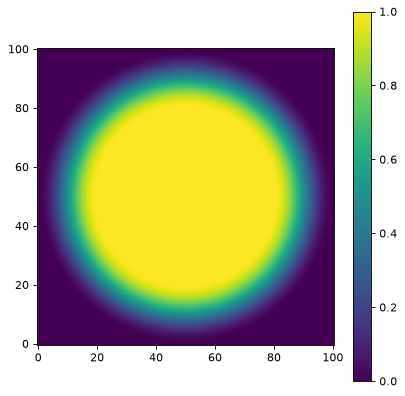
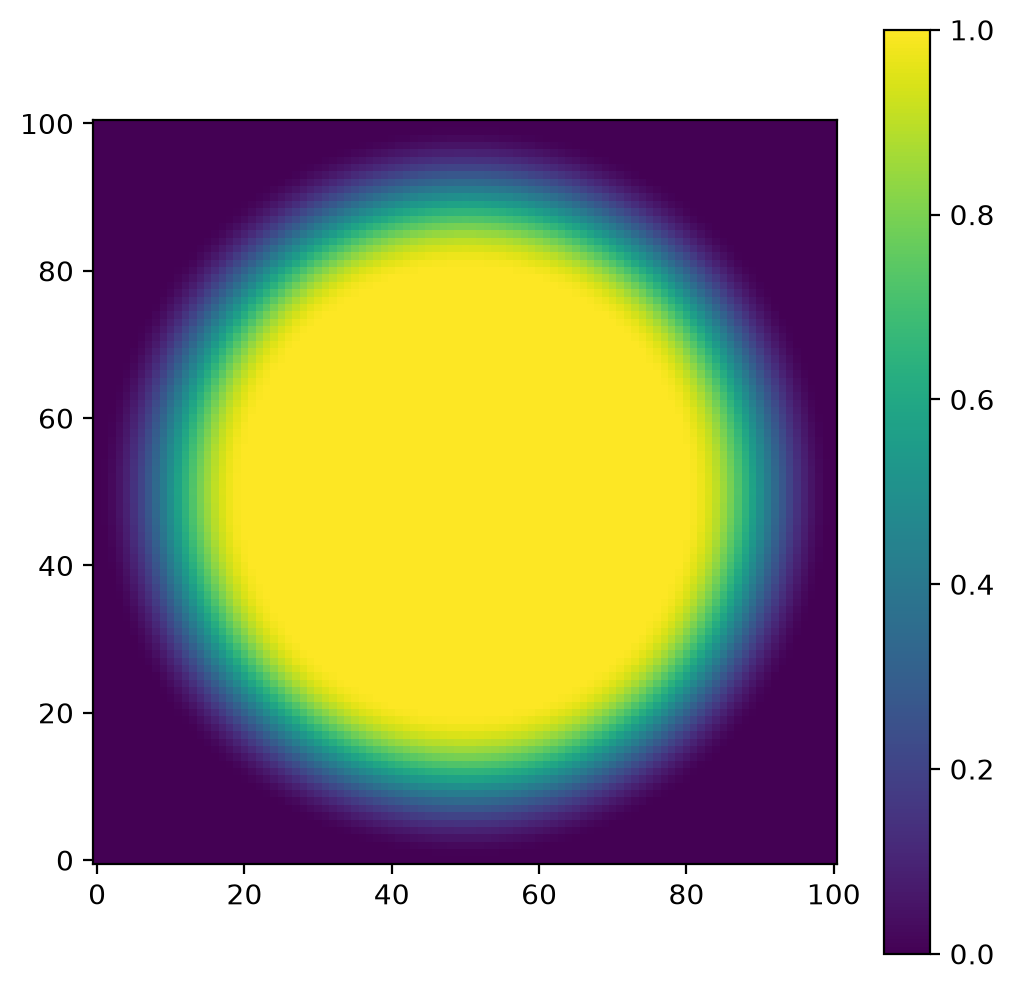
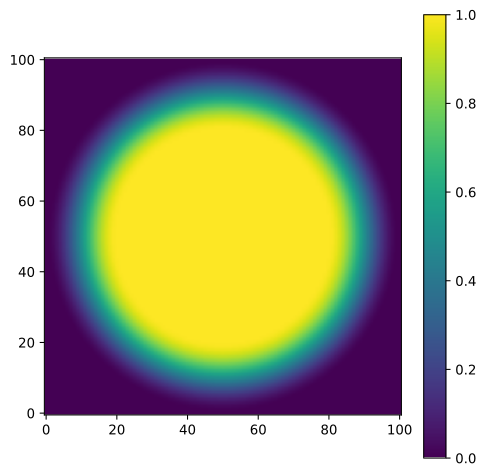
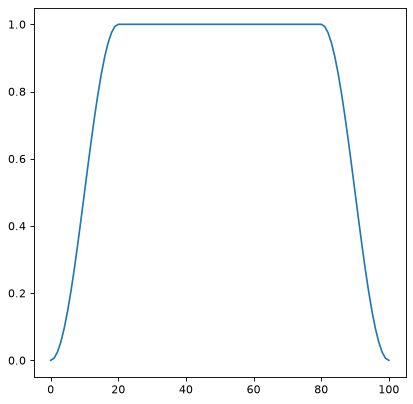
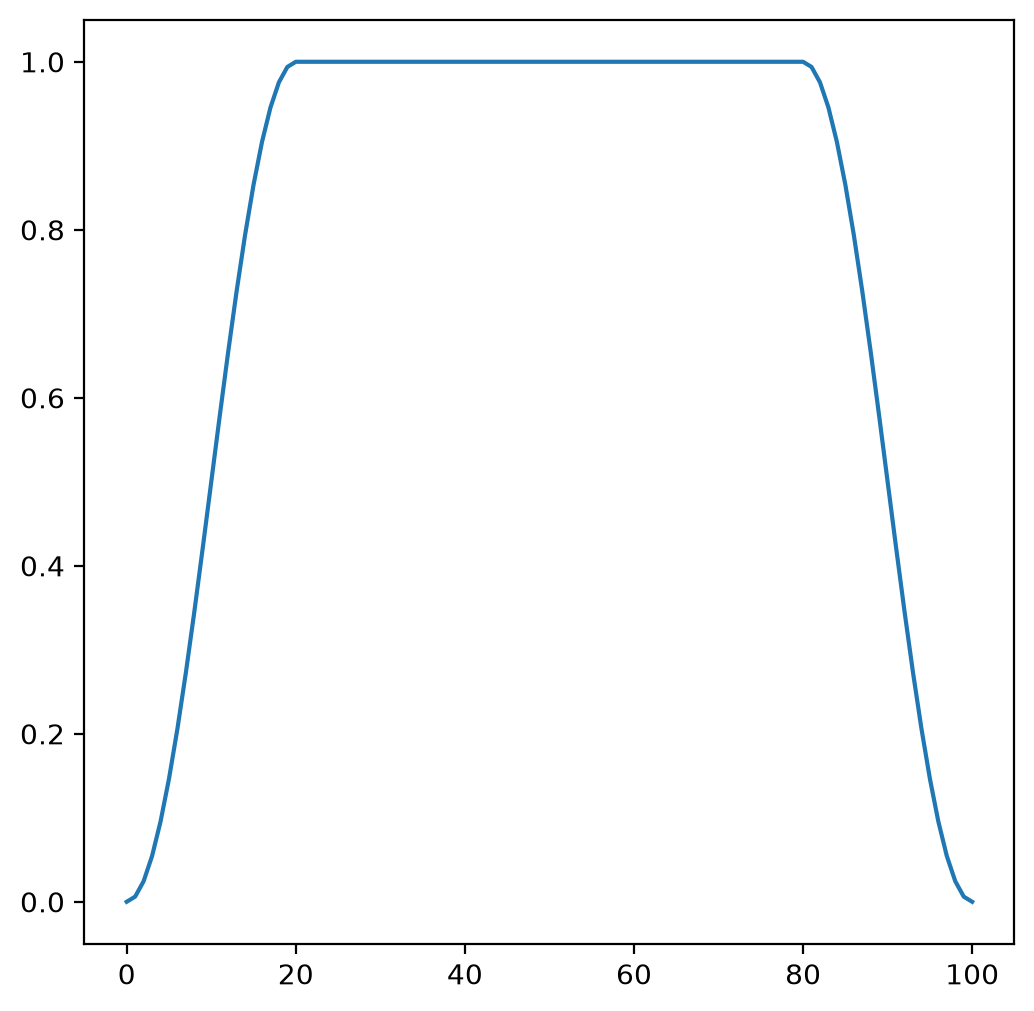
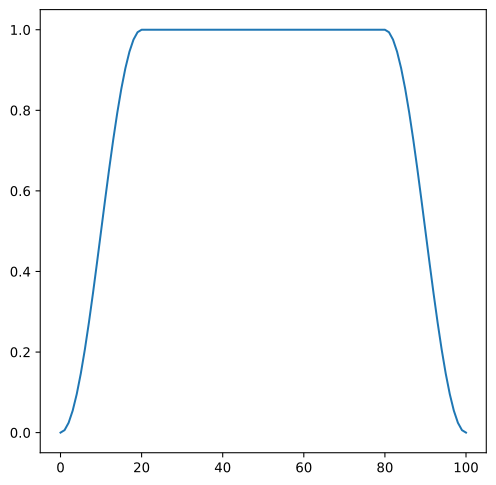
The Tukey window features a flat inner plateau equal to 1.0, surrounded by a smooth cosine taper that transitions to 0.0 at the edges. This provides an excellent balance between preserving data in the central region and suppressing edge artifacts.
The
alphaparameter controls the trade-off: smaller values preserve more data but create stronger edge effects, while larger values reduce artifacts but taper more of the image.Compared to
HanningWindow, Tukey preserves a larger central region. Compared toTopHatWindow, it provides much better artifact suppression at the cost of tapering the outer regions.- Parameters:
- alphafloat, optional
The percentage of array values that are tapered. Must be between 0.0 and 1.0, inclusive. When
alpha=0, this becomes aTopHatWindow. Whenalpha=1, this becomes aHanningWindow.
Notes
Equivalent to
SplitCosineBellWindow(alpha=alpha, beta=1.0 - alpha).Examples
import matplotlib.pyplot as plt
from photutils.psf_matching import TukeyWindow

taper = TukeyWindow(alpha=0.4)
data = taper((101, 101))
fig, ax = plt.subplots()
axim = ax.imshow(data, origin='lower')
fig.colorbar(axim)
(
Source code,png,hires.png,pdf,svg)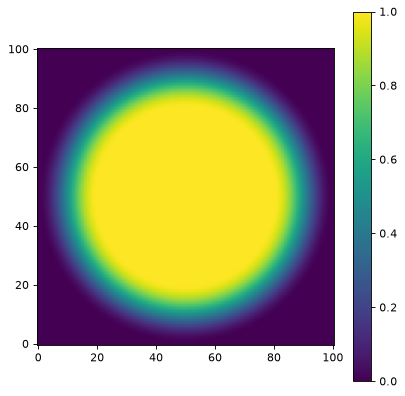
A 1D cut across the image center:
import matplotlib.pyplot as plt
from photutils.psf_matching import TukeyWindow

taper = TukeyWindow(alpha=0.4)
data = taper((101, 101))
fig, ax = plt.subplots()
ax.plot(data[50, :])
(
Source code,png,hires.png,pdf,svg)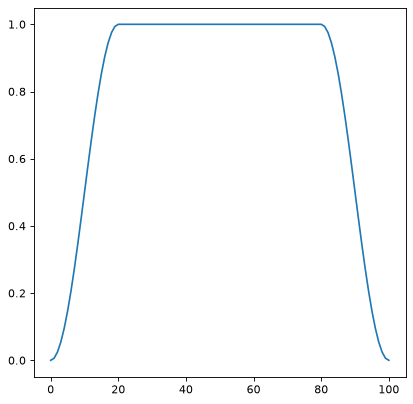
Methods Summary
__call__(shape)Generate the window function for the given shape.
Methods Documentation