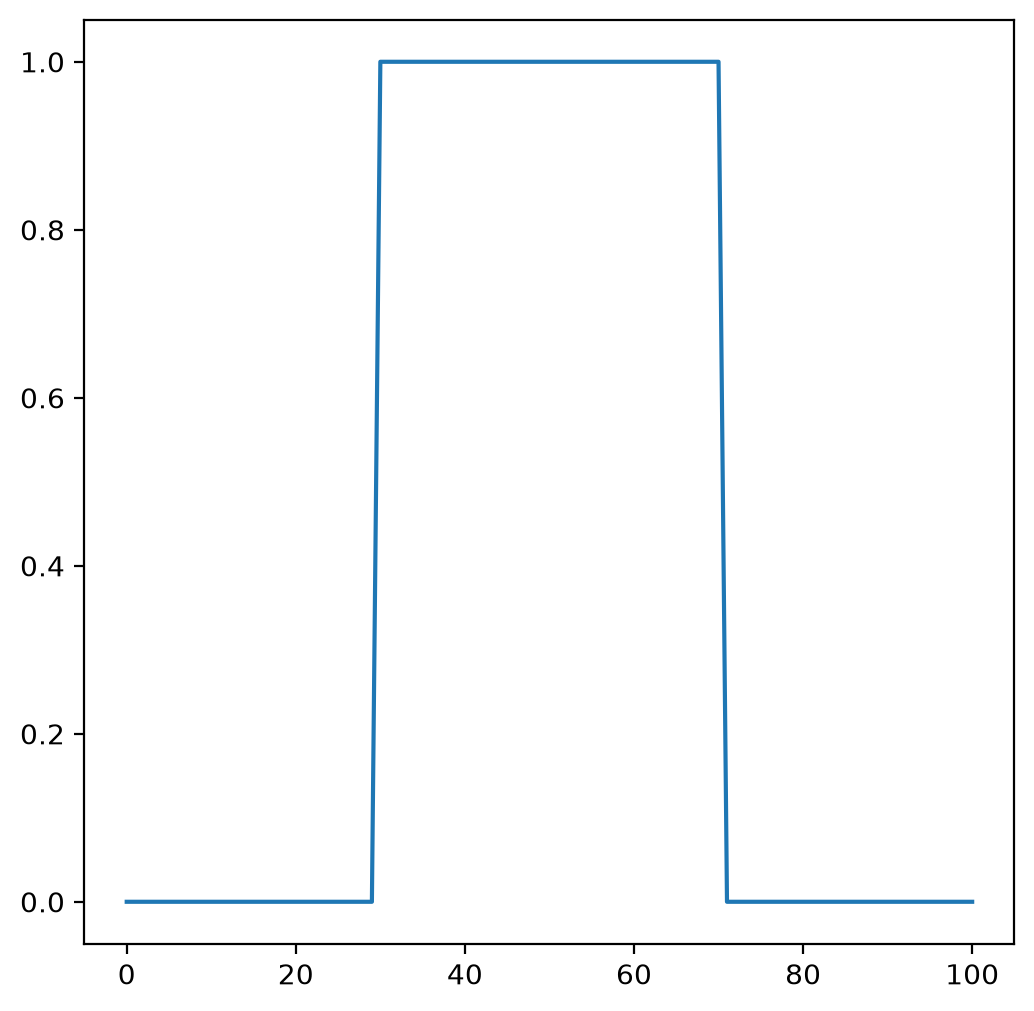
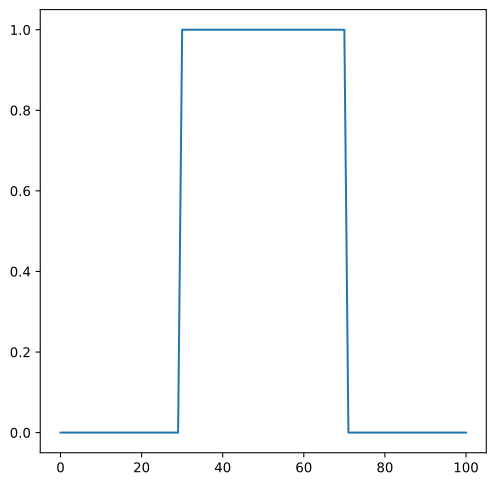
TopHatWindow#
- class photutils.psf_matching.TopHatWindow(beta)[source]#
Bases:
SplitCosineBellWindowClass to define a 2D top hat window function.
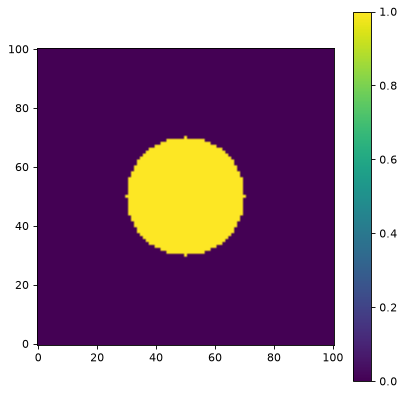
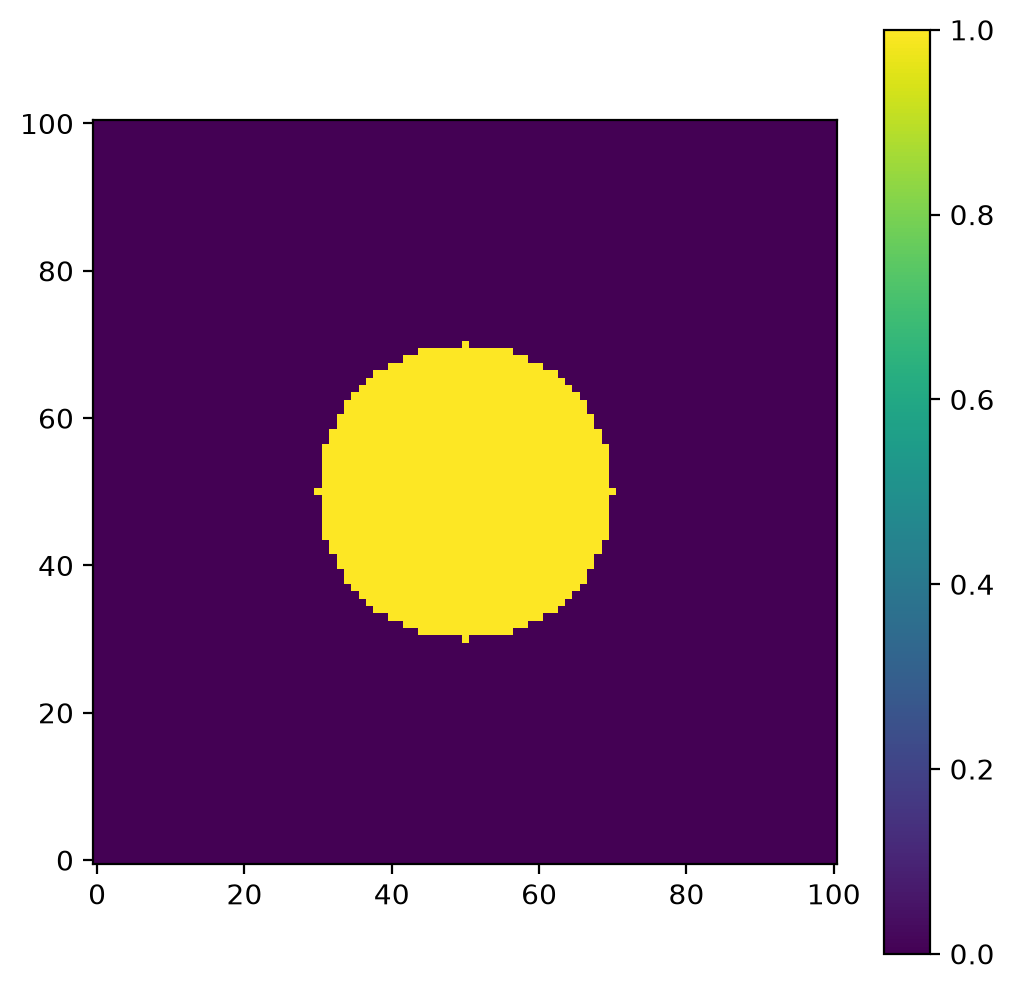
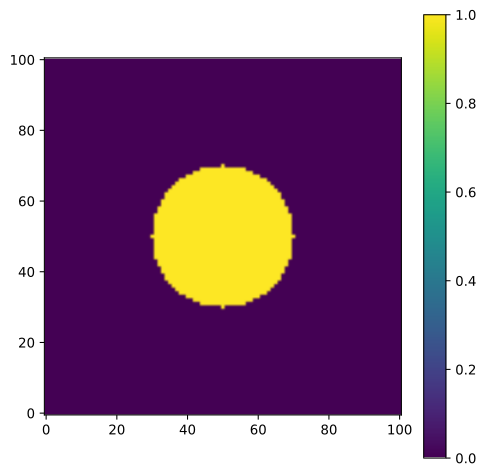
This window equals 1.0 inside a circular region defined by
betaand drops sharply to 0.0 outside, with no smooth transition. It is also known as a rectangular or boxcar window.This window preserves the most data (everything inside the cutoff radius is untouched), but the sharp edge creates strong ringing artifacts in Fourier space. Use this only when you need to strictly preserve data within a specific region and can tolerate significant artifacts, or when the sharp cutoff is explicitly desired.
For most PSF matching applications,
TukeyWindowis preferred as it provides much better artifact suppression while still preserving a large central region. UseTopHatWindowprimarily for masking or when studying the effects of abrupt truncation.- Parameters:
- betafloat, optional
The inner diameter as a fraction of the array size beyond which the window drops to zero. Must be between 0.0 and 1.0, inclusive.
Notes
Equivalent to
SplitCosineBellWindow(alpha=0.0, beta=beta).Examples
import matplotlib.pyplot as plt
from photutils.psf_matching import TopHatWindow

taper = TopHatWindow(beta=0.4)
data = taper((101, 101))
fig, ax = plt.subplots()
axim = ax.imshow(data, origin='lower')
fig.colorbar(axim)
(
Source code,png,hires.png,pdf,svg)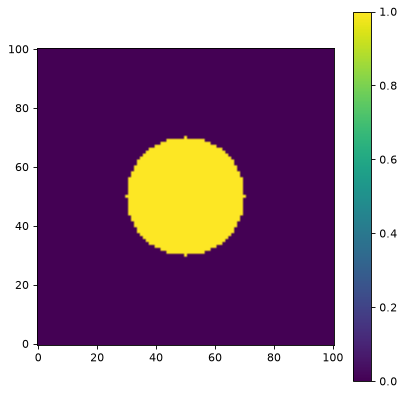
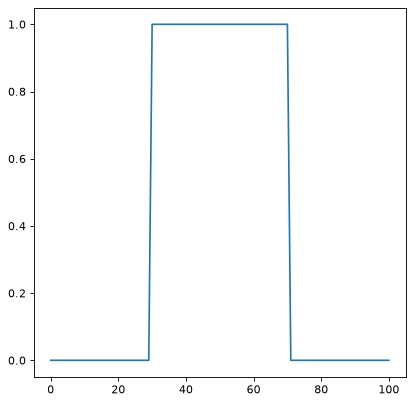
A 1D cut across the image center:
import matplotlib.pyplot as plt
from photutils.psf_matching import TopHatWindow

taper = TopHatWindow(beta=0.4)
data = taper((101, 101))
fig, ax = plt.subplots()
ax.plot(data[50, :])
(
Source code,png,hires.png,pdf,svg)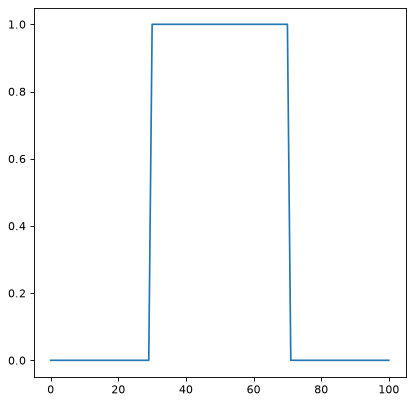
Methods Summary
__call__(shape)Generate the window function for the given shape.
Methods Documentation