CosineBellWindow#
- class photutils.psf_matching.CosineBellWindow(alpha)[source]#
Bases:
SplitCosineBellWindowClass to define a 2D cosine bell window function.
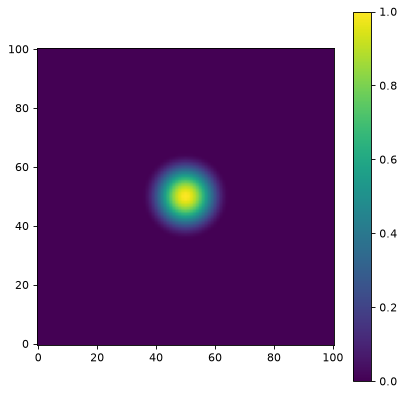
This window equals 1.0 only at the exact center point and smoothly tapers to 0.0. The taper begins immediately from the center (no inner plateau) and extends outward over a fraction
alphaof the maximum radius.Use this window when you want to preserve the very center of an image while applying a gentle taper that starts relatively far from the edges. It provides less artifact suppression than
TukeyWindowfor the samealphavalue because the taper region is positioned differently.- Parameters:
- alphafloat, optional
The percentage of array values that are tapered. Must be between 0.0 and 1.0, inclusive. When
alpha=1, this becomes aHanningWindow.
Notes
Equivalent to
SplitCosineBellWindow(alpha=alpha, beta=0.0).Examples
import matplotlib.pyplot as plt
from photutils.psf_matching import CosineBellWindow

taper = CosineBellWindow(alpha=0.3)
data = taper((101, 101))
fig, ax = plt.subplots()
axim = ax.imshow(data, origin='lower')
fig.colorbar(axim)
(
Source code,png,hires.png,pdf,svg)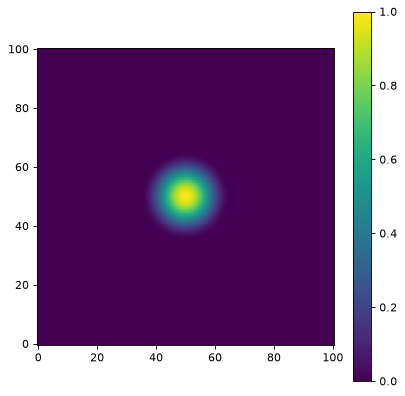
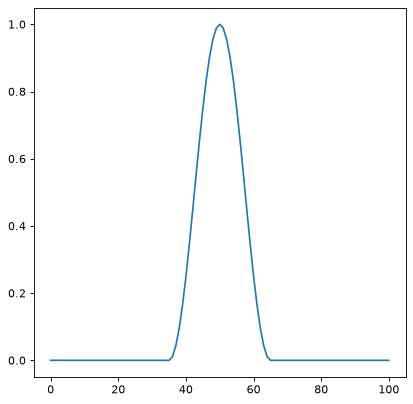
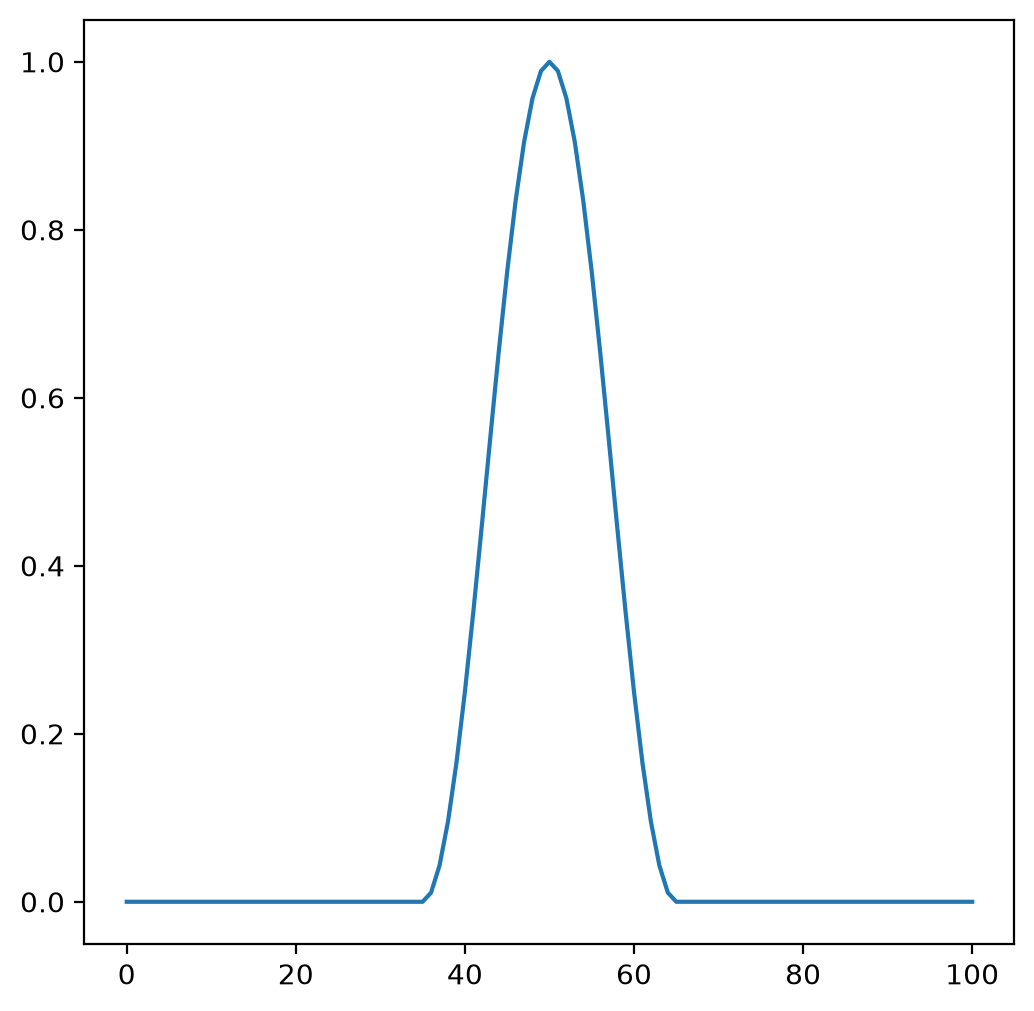
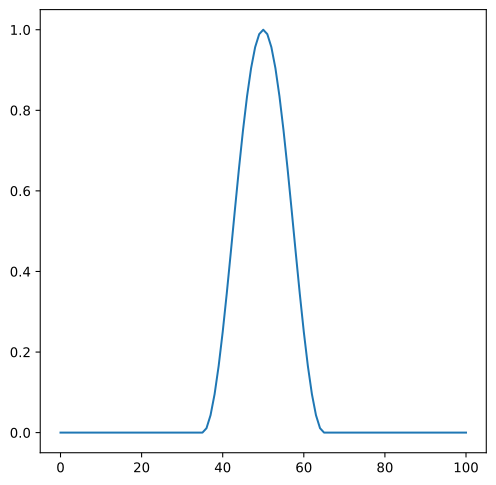
A 1D cut across the image center:
import matplotlib.pyplot as plt
from photutils.psf_matching import CosineBellWindow

taper = CosineBellWindow(alpha=0.3)
data = taper((101, 101))
fig, ax = plt.subplots()
ax.plot(data[50, :])
(
Source code,png,hires.png,pdf,svg)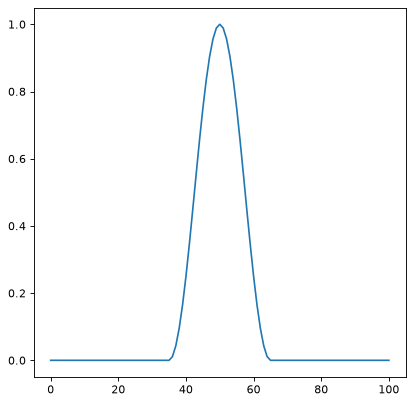
Methods Summary
__call__(shape)Generate the window function for the given shape.
Methods Documentation