SplitCosineBellWindow#
- class photutils.psf_matching.SplitCosineBellWindow(alpha, beta)[source]#
Bases:
objectClass to define a 2D split cosine bell taper function.
This is the base class for window functions, providing full control over both the inner flat region (
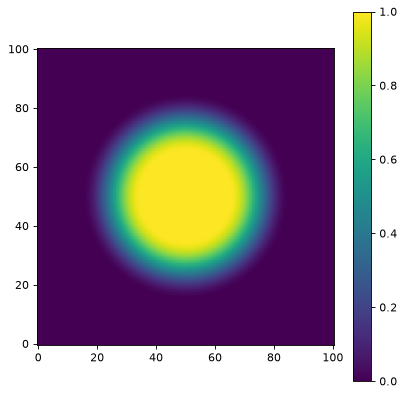
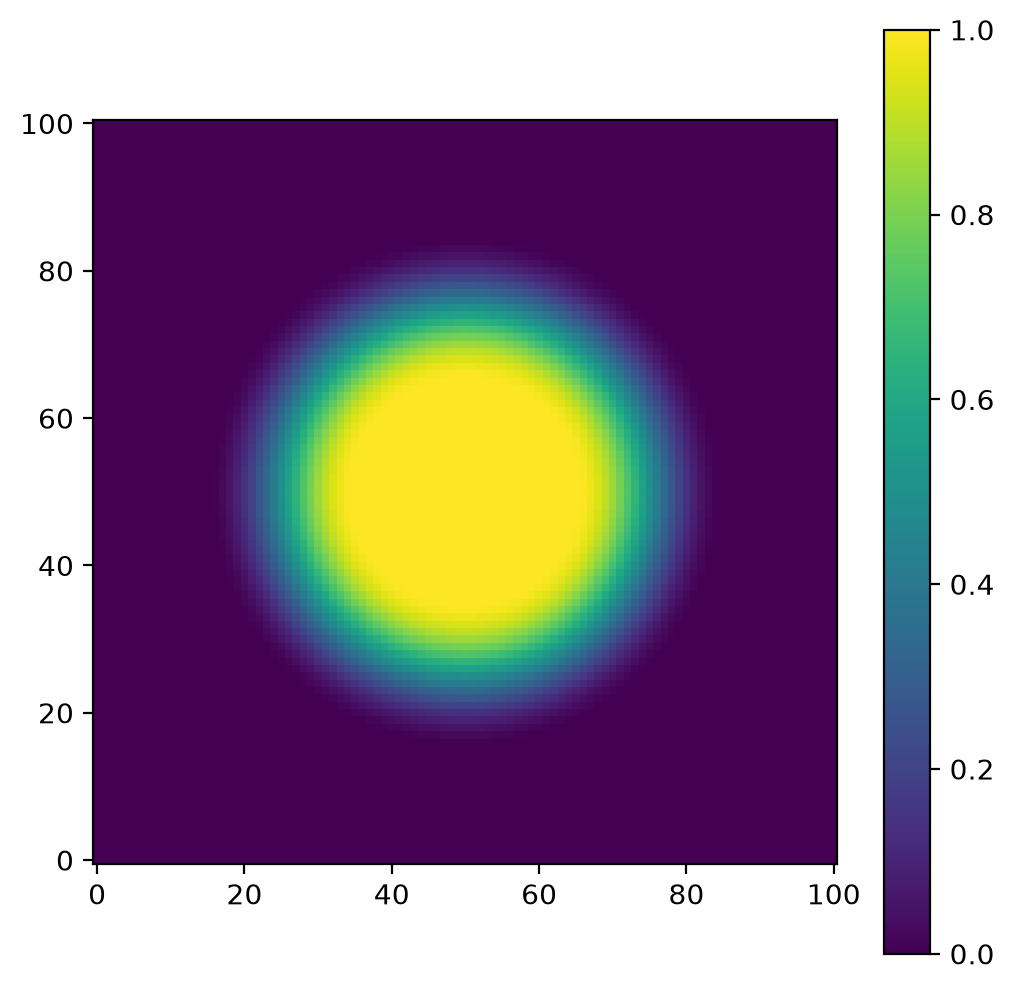
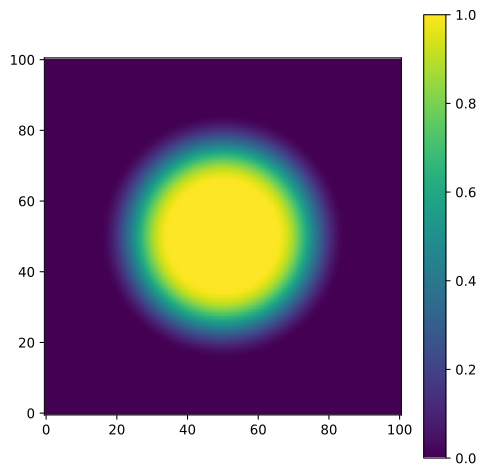
beta) and the taper width (alpha). The window equals 1.0 in the inner region, smoothly transitions to 0.0 using a cosine taper, and remains 0.0 outside.This window is useful when you need precise control over both the preserved central region and the taper characteristics.
- Parameters:
- alphafloat, optional
The percentage of array values that are tapered.
alphamust be between 0.0 and 1.0, inclusive.- betafloat, optional
The inner diameter as a fraction of the array size beyond which the taper begins.
betamust be between 0.0 and 1.0, inclusive.
Examples
import matplotlib.pyplot as plt
from photutils.psf_matching import SplitCosineBellWindow

taper = SplitCosineBellWindow(alpha=0.4, beta=0.3)
data = taper((101, 101))
fig, ax = plt.subplots()
axim = ax.imshow(data, origin='lower')
fig.colorbar(axim)
(
Source code,png,hires.png,pdf,svg)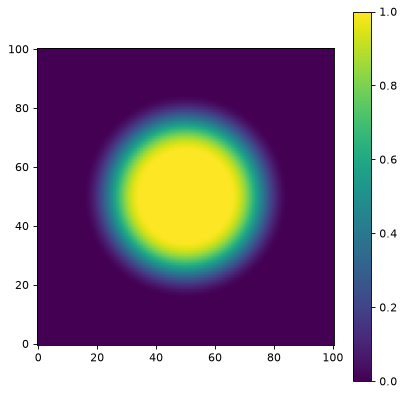
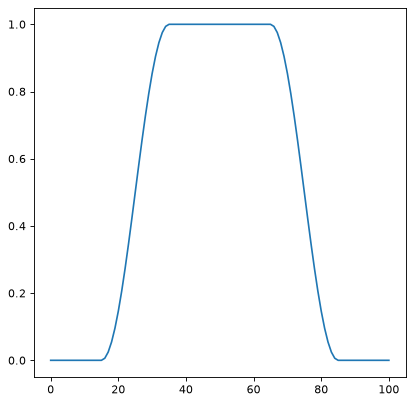
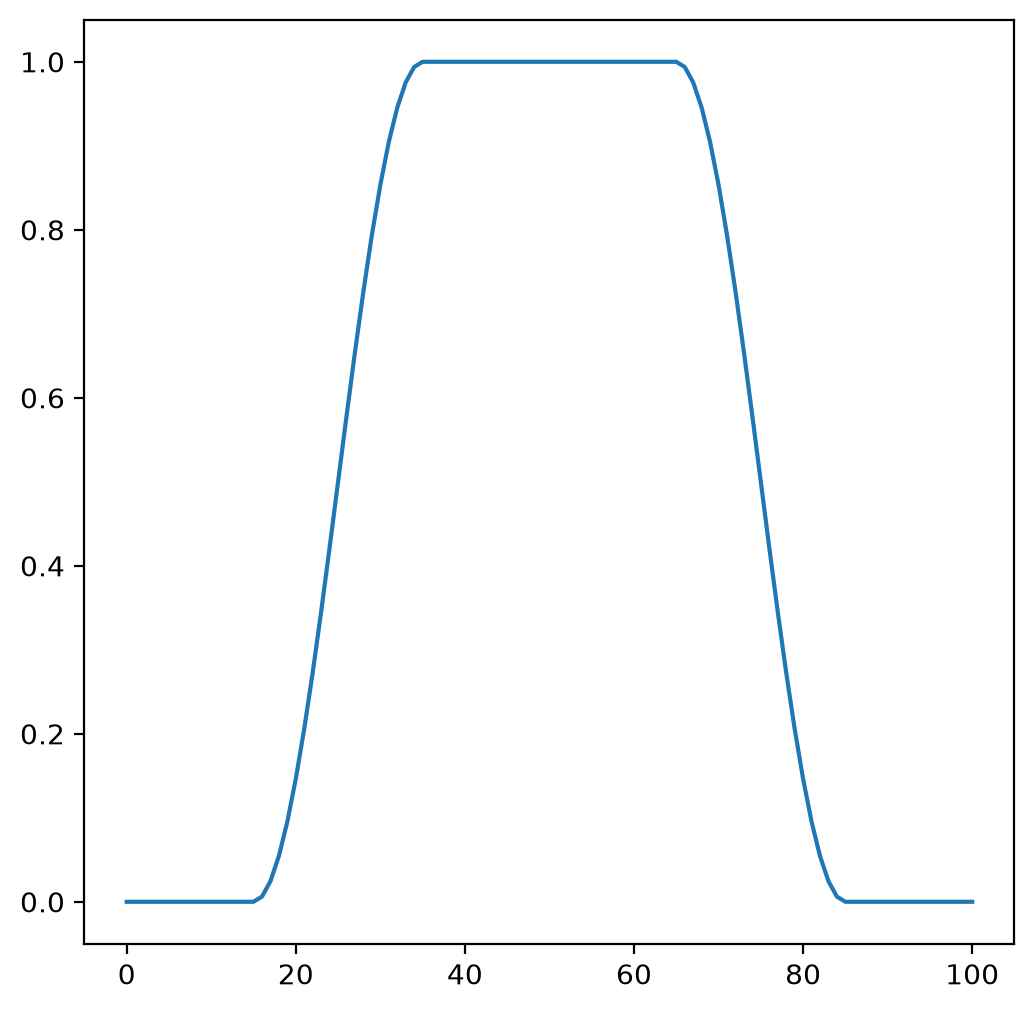
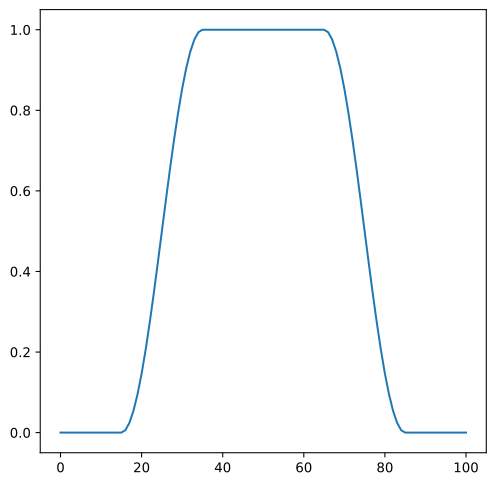
A 1D cut across the image center:
import matplotlib.pyplot as plt
from photutils.psf_matching import SplitCosineBellWindow

taper = SplitCosineBellWindow(alpha=0.4, beta=0.3)
data = taper((101, 101))
fig, ax = plt.subplots()
ax.plot(data[50, :])
(
Source code,png,hires.png,pdf,svg)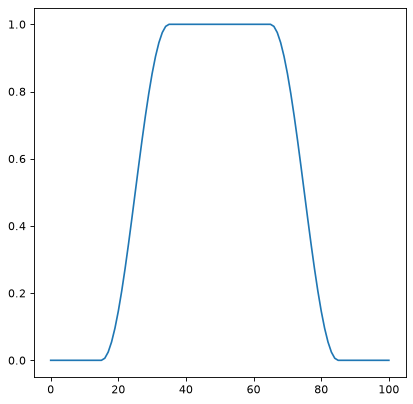
Methods Summary
__call__(shape)Generate the window function for the given shape.
Methods Documentation