HanningWindow#
- class photutils.psf_matching.HanningWindow[source]#
Bases:
SplitCosineBellWindowClass to define a 2D Hanning (or Hann) window function.
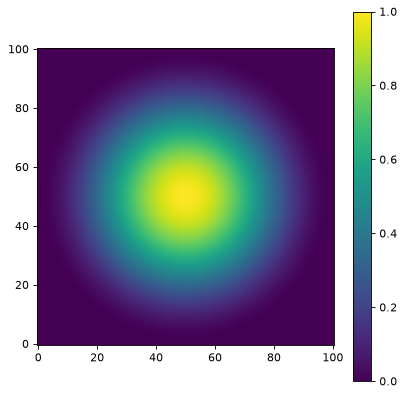
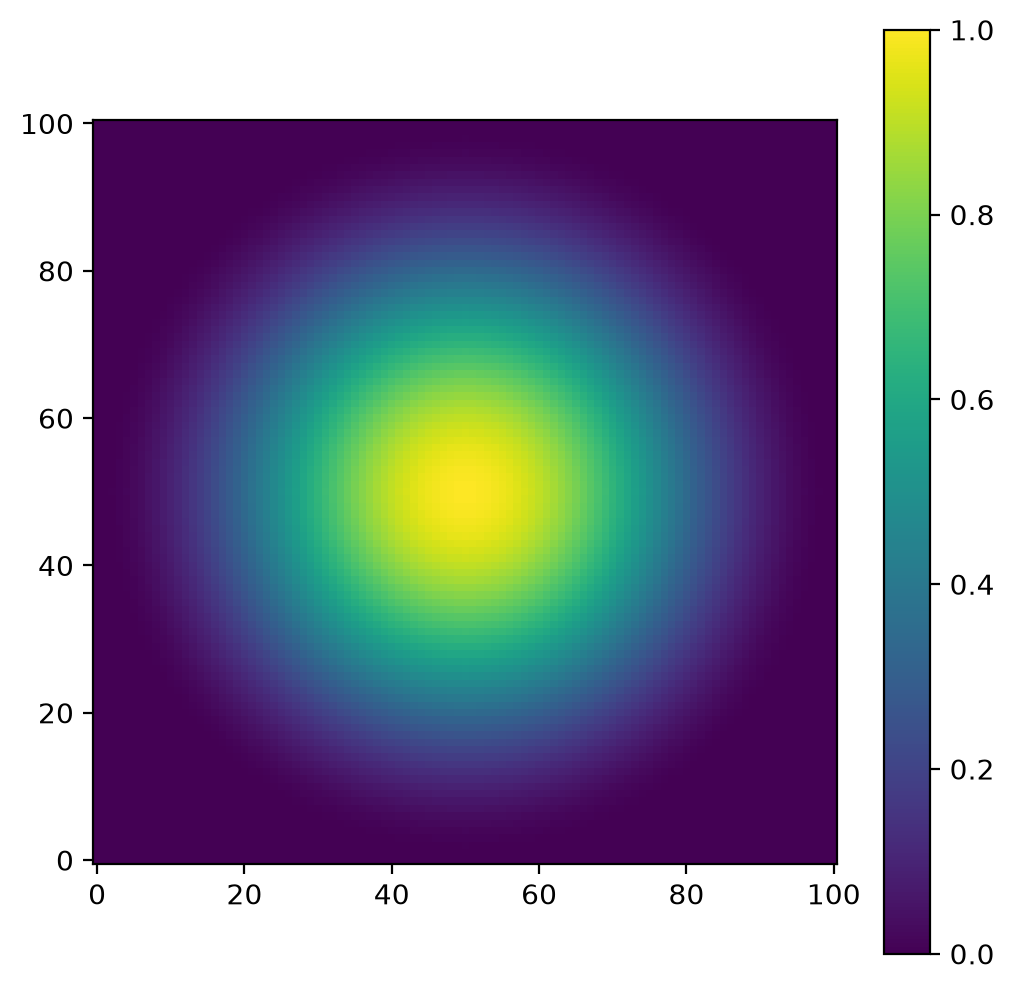
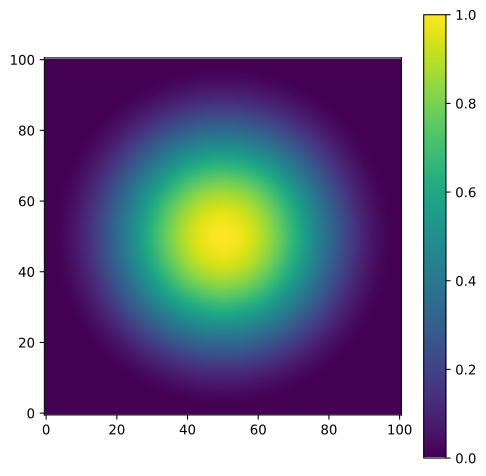
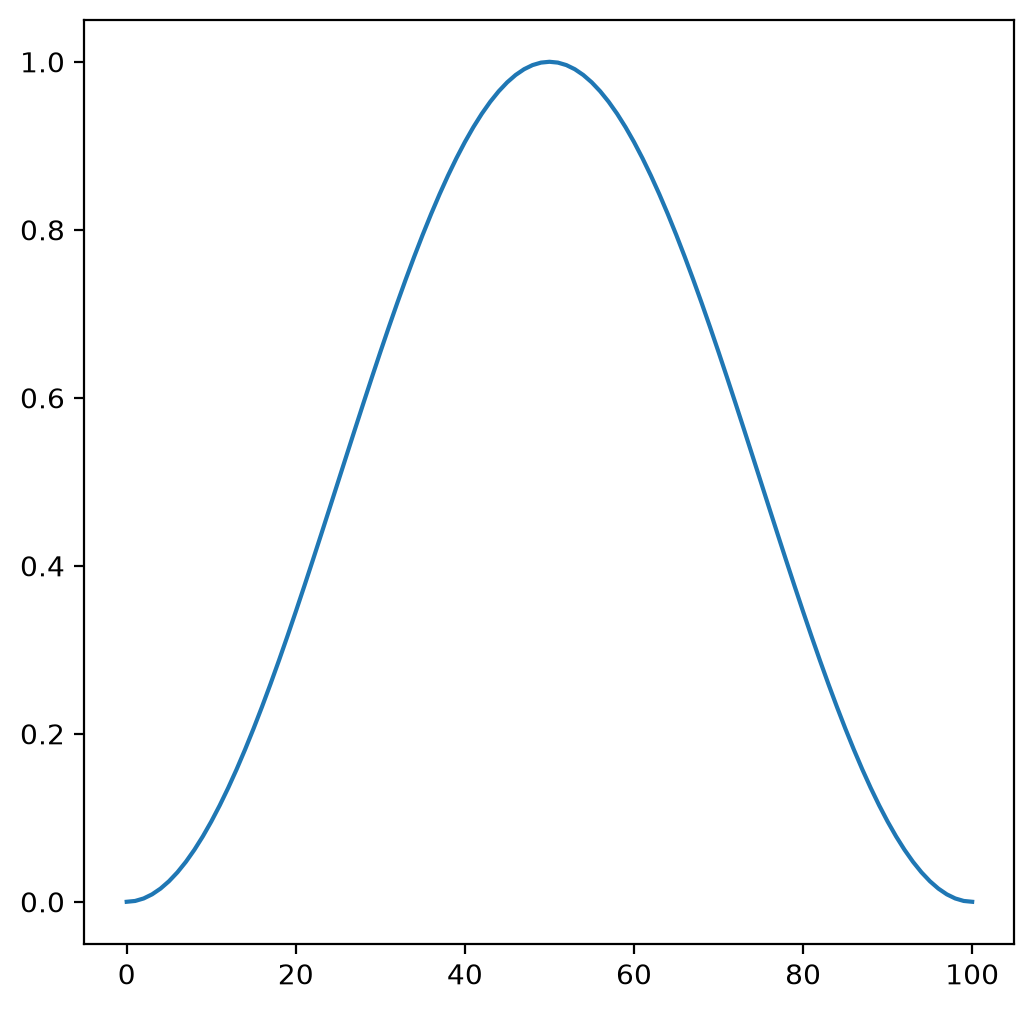
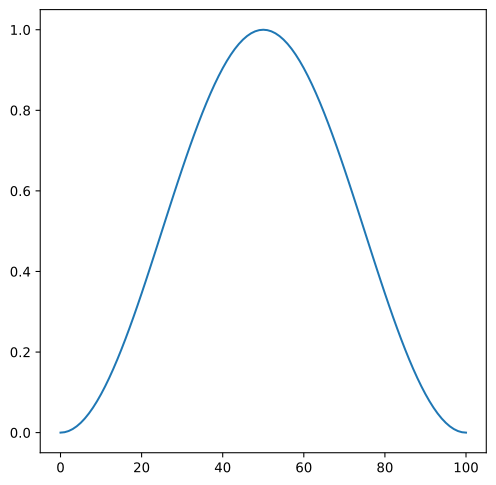
The Hann window is a taper formed by using a raised cosine with ends that touch zero. The taper begins at the center and smoothly decreases to zero at the edges. This window equals 1.0 only at the exact center point.
This is a classic general-purpose window function widely used in signal processing. It provides good sidelobe suppression in Fourier space, reducing ringing artifacts at the cost of tapering the entire image. For PSF matching, use this window when edge effects and ringing artifacts are a primary concern and you can accept tapering most of the data. If you want to preserve more of the central region, consider using
TukeyWindowinstead.Notes
Equivalent to
SplitCosineBellWindow(alpha=1.0, beta=0.0).Examples
import matplotlib.pyplot as plt
from photutils.psf_matching import HanningWindow

taper = HanningWindow()
data = taper((101, 101))
fig, ax = plt.subplots()
axim = ax.imshow(data, origin='lower')
fig.colorbar(axim)
(
Source code,png,hires.png,pdf,svg)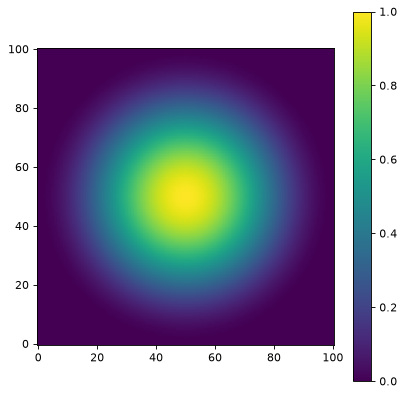
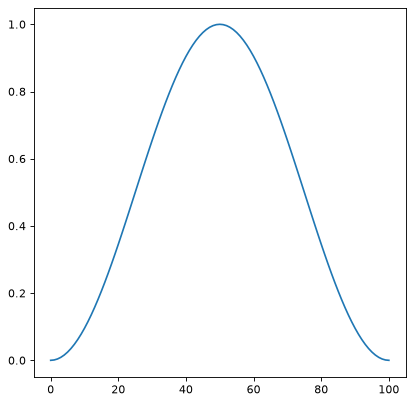
A 1D cut across the image center:
import matplotlib.pyplot as plt
from photutils.psf_matching import HanningWindow

taper = HanningWindow()
data = taper((101, 101))
fig, ax = plt.subplots()
ax.plot(data[50, :])
(
Source code,png,hires.png,pdf,svg)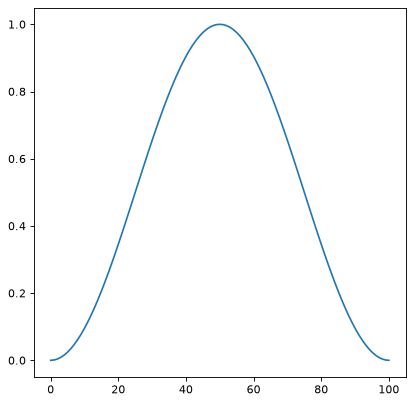
Methods Summary
__call__(shape)Generate the window function for the given shape.
Methods Documentation