BoundingBox#
- class photutils.aperture.BoundingBox(ixmin, ixmax, iymin, iymax)[source]#
Bases:
objectA rectangular bounding box in integer (not float) pixel indices.
- Parameters:
- ixmin, ixmax, iymin, iymaxint
The bounding box pixel indices. Note that the upper values (
iymaxandixmax) are exclusive as for normal slices in Python. The lower values (ixminandiymin) must not be greater than the respective upper values (ixmaxandiymax).
Examples
When constructing a BoundingBox, it’s better to use keyword arguments for readability:
>>> from photutils.aperture import BoundingBox
>>> bbox = BoundingBox(ixmin=1, ixmax=10, iymin=2, iymax=20)
>>> bbox
BoundingBox(ixmin=1, ixmax=10, iymin=2, iymax=20)
Sometimes it’s useful to check if two bounding boxes are the same:
>>> bbox == BoundingBox(ixmin=1, ixmax=10, iymin=2, iymax=20)
True
>>> bbox == BoundingBox(ixmin=7, ixmax=10, iymin=2, iymax=20)
False
The “center” and “shape” attributes can be useful when working with numpy arrays:
>>> bbox.center  # numpy order: (y, x)
(10.5, 5.0)
>>> bbox.shape  # numpy order: (y, x)
(18, 9)
The “extent” is useful when plotting the BoundingBox with matplotlib:
>>> bbox.extent  # matplotlib order: (xmin, xmax, ymin, ymax)
(0.5, 9.5, 1.5, 19.5)
Attributes Summary
The
(y, x)center of the bounding box.The extent of the mask, defined as the
(xmin, xmax, ymin,
ymax)
bounding box from the bottom-left corner of the lower- left pixel to the upper-right corner of the upper-right pixel.The
(ny, nx)shape of the bounding box.Methods Summary
as_artist(**kwargs)Return a
matplotlib.patches.Rectanglethat represents the bounding box.from_float(xmin, xmax, ymin, ymax)Return the smallest bounding box that fully contains a given rectangle defined by float coordinate values.
get_overlap_slices(shape)Get slices for the overlapping part of the bounding box and a 2D array.
intersection(other)Return a
BoundingBoxrepresenting the intersection of thisBoundingBoxwith anotherBoundingBox.plot([ax, origin])Plot the
BoundingBoxon a matplotlibAxesinstance.Convert the bounding box to a
RectangularAperture.union(other)Return a
BoundingBoxrepresenting the union of thisBoundingBoxwith anotherBoundingBox.Attributes Documentation
- center#
The
(y, x)center of the bounding box.
- extent#
The extent of the mask, defined as the
(xmin, xmax, ymin, ymax)bounding box from the bottom-left corner of the lower- left pixel to the upper-right corner of the upper-right pixel.The upper edges here are the actual pixel positions of the edges, i.e., they are not “exclusive” indices used for python indexing. The extent is useful for plotting the bounding box using Matplotlib.
- shape#
The
(ny, nx)shape of the bounding box.
Methods Documentation
- as_artist(**kwargs)[source]#
Return a
matplotlib.patches.Rectanglethat represents the bounding box.- Parameters:
- **kwargsdict, optional
Any keyword arguments accepted by
matplotlib.patches.Patch.
- Returns:
- result
matplotlib.patches.Rectangle A matplotlib rectangular patch.
- result
Examples
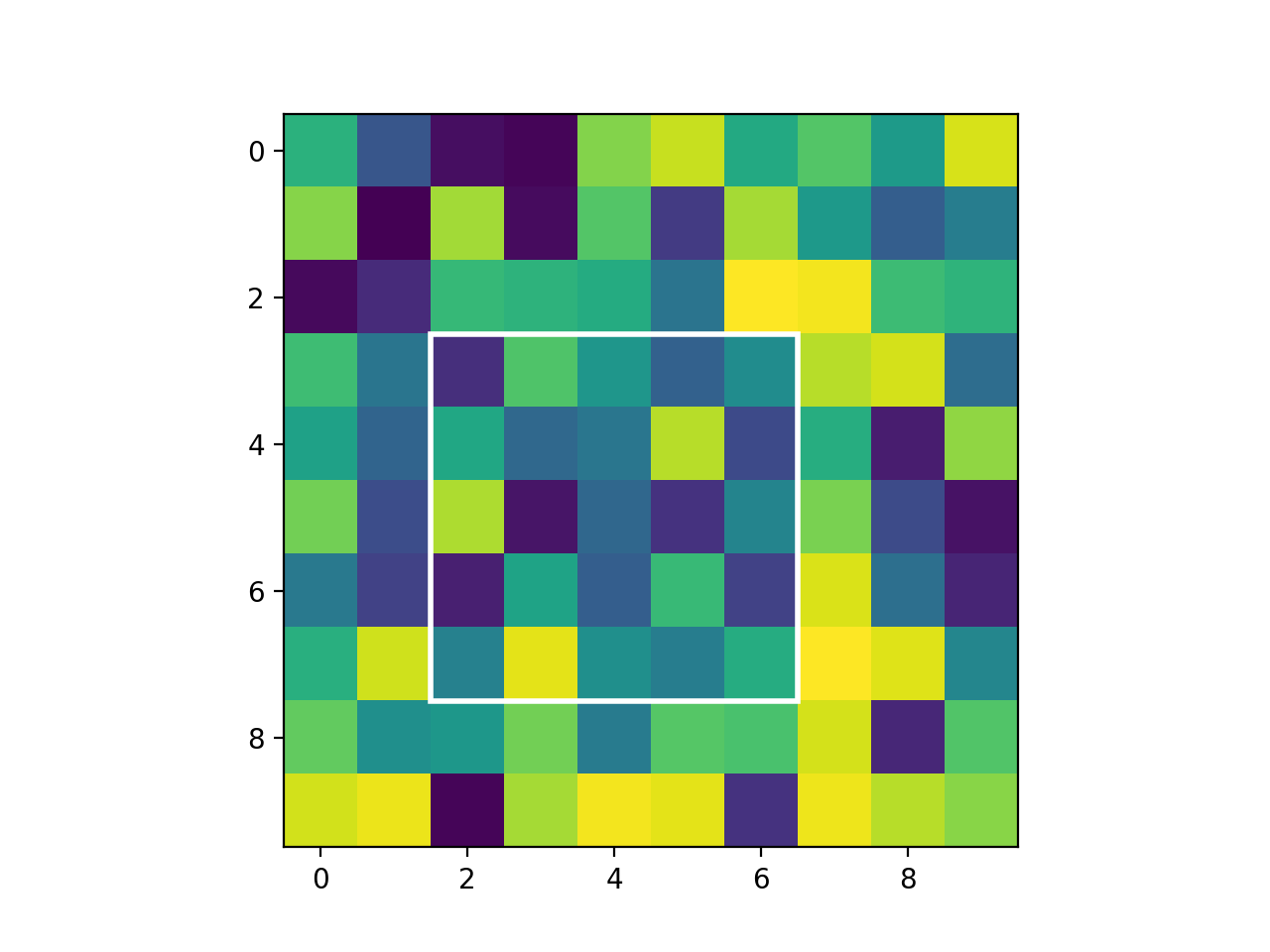
import matplotlib.pyplot as plt
import numpy as np
from photutils.aperture import BoundingBox

bbox = BoundingBox(2, 7, 3, 8)
fig = plt.figure()
ax = fig.add_subplot(1, 1, 1)
rng = np.random.default_rng(0)
ax.imshow(rng.random((10, 10)), origin='lower')
ax.add_patch(bbox.as_artist(facecolor='none', edgecolor='white',
             lw=2.0))
(
Source code,png,hires.png,pdf,svg)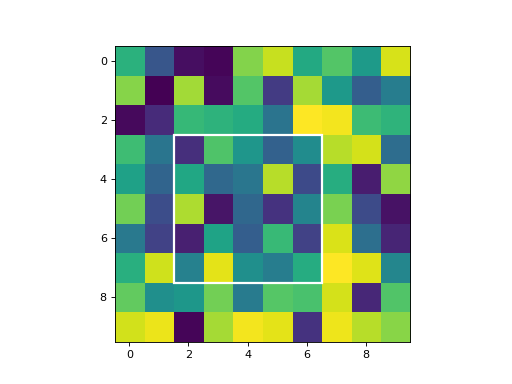
- classmethod from_float(xmin, xmax, ymin, ymax)[source]#
Return the smallest bounding box that fully contains a given rectangle defined by float coordinate values.
Following the pixel index convention, an integer index corresponds to the center of a pixel and the pixel edges span from (index - 0.5) to (index + 0.5). For example, the pixel edge spans of the following pixels are:
pixel 0: from -0.5 to 0.5
pixel 1: from 0.5 to 1.5
pixel 2: from 1.5 to 2.5
In addition, because
BoundingBoxupper limits are exclusive (by definition), 1 is added to the upper pixel edges. See examples below.- Parameters:
- xmin, xmax, ymin, ymaxfloat
The floating-point coordinates defining a rectangle. The lower values (
xminandymin) must not be greater than the respective upper values (xmaxandymax).
- Returns:
- bbox
BoundingBoxobject The minimal
BoundingBoxobject fully containing the input rectangle coordinates.
- bbox
Examples
>>> from photutils.aperture import BoundingBox
>>> BoundingBox.from_float(xmin=1.0, xmax=10.0, ymin=2.0, ymax=20.0)
BoundingBox(ixmin=1, ixmax=11, iymin=2, iymax=21)
>>> BoundingBox.from_float(xmin=1.4, xmax=10.4, ymin=1.6, ymax=10.6)
BoundingBox(ixmin=1, ixmax=11, iymin=2, iymax=12)
- get_overlap_slices(shape)[source]#
Get slices for the overlapping part of the bounding box and a 2D array.
- Parameters:
- shape2-tuple of int
The shape of the 2D array.
- Returns:
- slices_largetuple of slices or
None A tuple of slice objects for each axis of the large array, such that
large_array[slices_large]extracts the region of the large array that overlaps with the small array.Noneis returned if there is no overlap of the bounding box with the given image shape.- slices_smalltuple of slices or
None A tuple of slice objects for each axis of an array enclosed by the bounding box such that
small_array[slices_small]extracts the region that is inside the large array.Noneis returned if there is no overlap of the bounding box with the given image shape.
- slices_largetuple of slices or
- intersection(other)[source]#
Return a
BoundingBoxrepresenting the intersection of thisBoundingBoxwith anotherBoundingBox.- Parameters:
- other
BoundingBox The
BoundingBoxto intersect with this one.
- other
- Returns:
- result
BoundingBox A
BoundingBoxrepresenting the intersection of the inputBoundingBoxwith this one.
- result
- plot(ax=None, origin=(0, 0), **kwargs)[source]#
Plot the
BoundingBoxon a matplotlibAxesinstance.- Parameters:
- ax
matplotlib.axes.AxesorNone, optional The matplotlib axes on which to plot. If
None, then the currentAxesinstance is used.- originarray_like, optional
The
(x, y)position of the origin of the displayed image.- **kwargsdict, optional
Any keyword arguments accepted by
matplotlib.patches.Patch.
- ax
- Returns:
- patch
matplotlib.patches.Patch The matplotlib patch object for the plotted bounding box. The patch can be used, for example, when adding a plot legend.
- patch
- to_aperture()[source]#
Convert the bounding box to a
RectangularAperture.- Returns:
- aperture
RectangularAperture A rectangular aperture.
- aperture
- union(other)[source]#
Return a
BoundingBoxrepresenting the union of thisBoundingBoxwith anotherBoundingBox.- Parameters:
- other
BoundingBox The
BoundingBoxto join with this one.
- other
- Returns:
- result
BoundingBox A
BoundingBoxrepresenting the union of the inputBoundingBoxwith this one.
- result